
Stock
Order it, store it, make it, sell it.

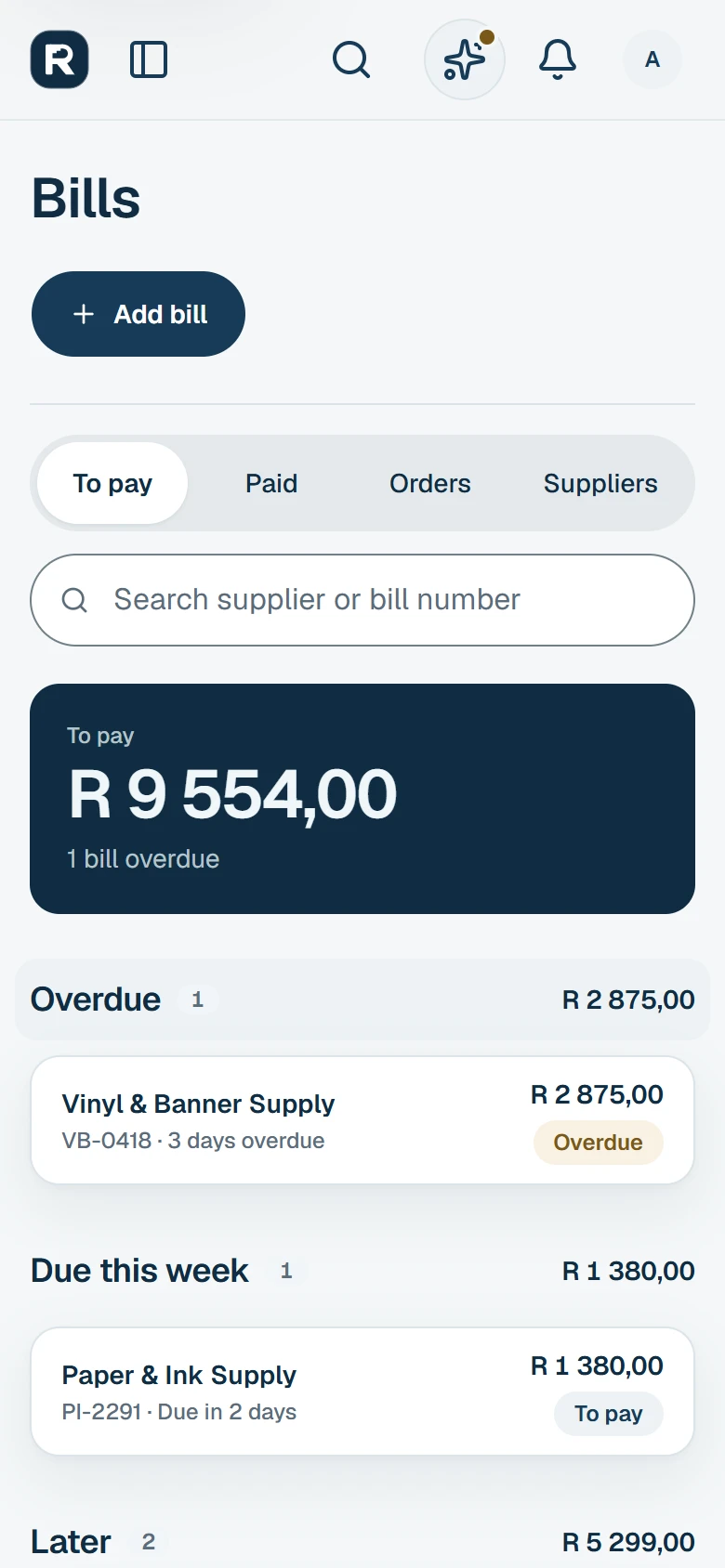
Orders to suppliers
Order, receive what came, and add their bill from the order.
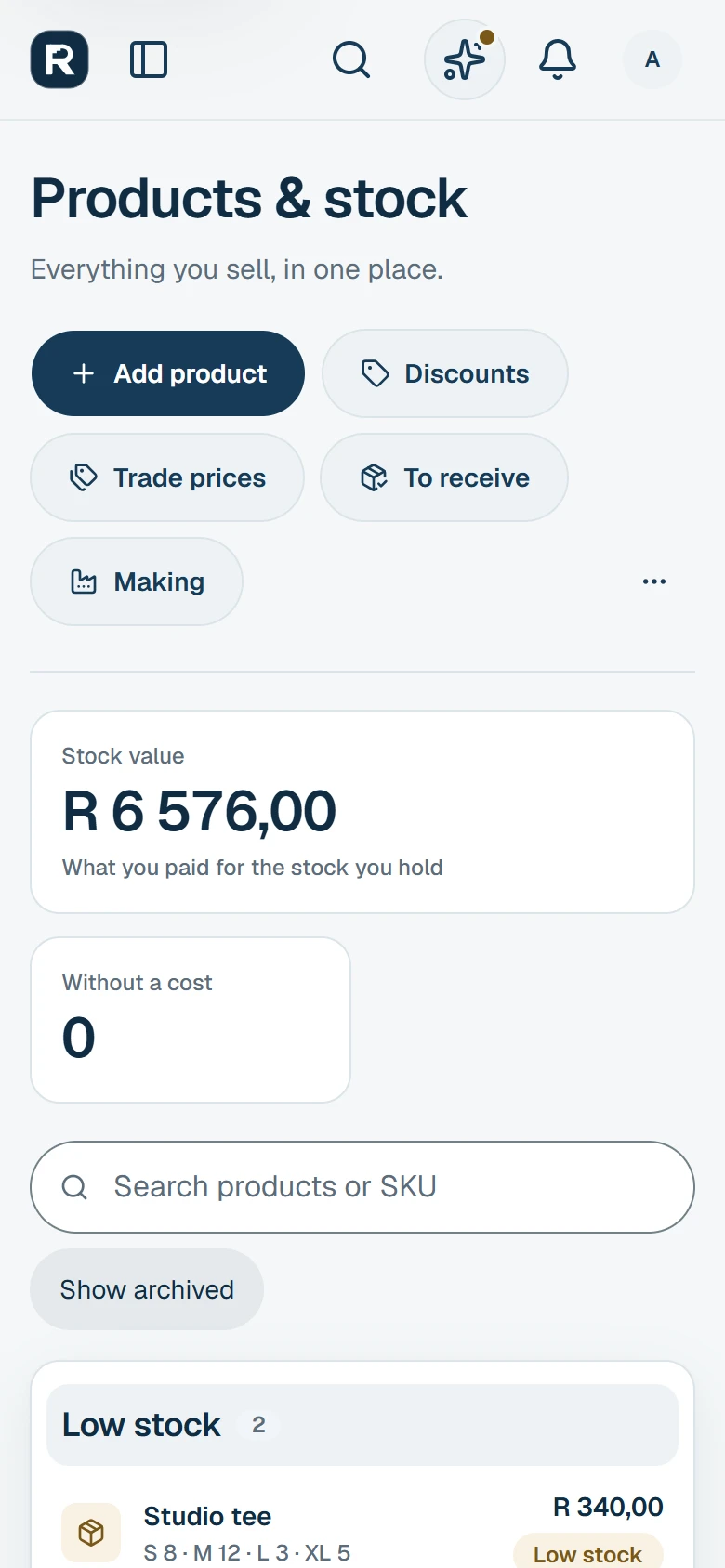
Products and stock
In more than one storeroom, with batches and their dates.
Sold by the kg or metre
Each, kg, litre, m or m², on invoices, at the counter and in the shop.


One record, start to finish
- OrderBy email, WhatsApp or on paper
- ReceiveWhat came goes into stock
- StoreroomKept where it is
- BatchWith its use-by or best-before
- MakeParts used, cost each
- SellShop, counter and invoices
Questions
Can I keep stock in more than one place?Yes
Add a storeroom for each place you keep stock and move stock between them. Each room can sell at the counter, and your shop sells from the room you pick.
Can I keep track of use-by and best-before dates?Yes
Switch batches on for the items that need them. Each batch keeps its number and its use-by or best-before date, and the batch with the first date leaves first.
Can I make what I sell?Yes
Put a recipe on the item you make. Make a batch, and the parts come off stock and the made items go on, in one save.
What does one made item cost?
Its parts at what they cost when you made it, plus the batch’s other costs, such as hours, gas and power, shared over what you made.
Does my supplier need RevPulse?No
No. Your order reaches them by email, WhatsApp or on paper. You record what came and add their bill.
Who is it for?
Shops, makers, farms, factories and food businesses that buy in, keep and make what they sell.